

1600 Nits.No Private APIs.
A macOS menu-bar app that unlocks full XDR brightness and dims below the OS floor, using Swift, Metal and a CAMetalLayer trick. System Preferences caps MacBook Pro and Pro Display XDR at 500 nits during normal use. WitzLyte removes the cap, and goes the other way too. Fully sandboxed, no private APIs, ships outside the Mac App Store.
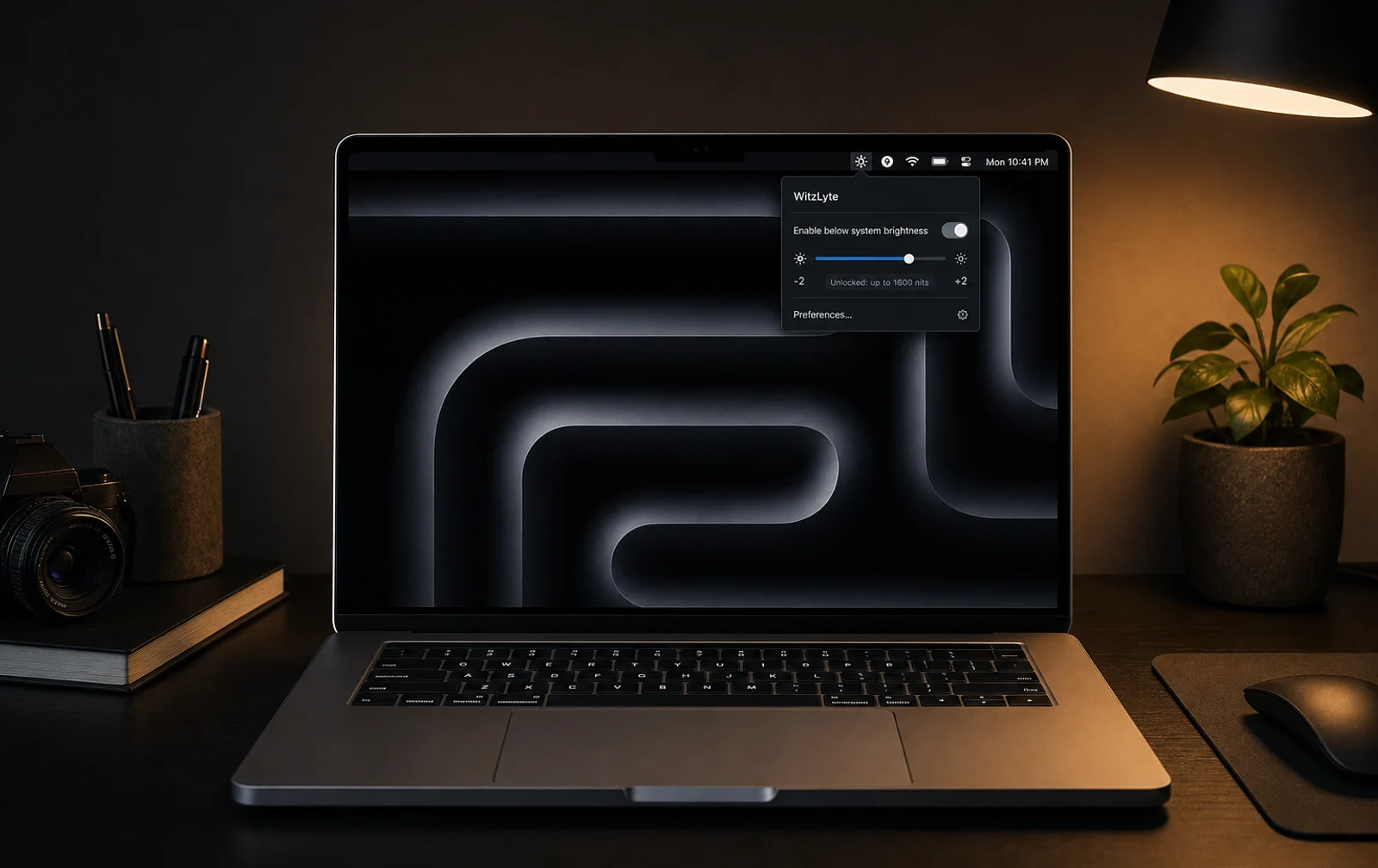
The Panel Can Do More Than The Os Will Let You Set.
macOS reserves the full XDR brightness range for HDR video playback only, and it puts a floor under dimming as well. Both limits are software, and both bite during creative work, colour grading and low-light use.
WitzLyte removes the cap and goes in the other direction too, dimming the screen below the OS floor with a Metal multiply trick.
What The Os Will Not Let You Do.
Brightness unlock. WitzLyte bypasses the HDR-only
restriction, placing a CAMetalLayer over a borderless, click-through
NSWindow to drive the display at full rated nits on demand.
Sub-floor dimming. To dim below the OS brightness floor, the Metal layer renders a solid black frame and sets its blend mode to multiply. Screen colour values are multiplied by a near-zero factor, so effective brightness drops far below the 500-nit hardware minimum without touching display registers or private frameworks.
Menu bar UI. It lives entirely in the menu bar. The brightness slider covers the full 0 to 1600 nit equivalent range, with a one-click toggle and a bindable keyboard shortcut for instant access.
Sandbox compatible. Every technique is public-framework only: AppKit, Metal and Core Animation. The app runs inside the App Sandbox and can be distributed outside the Mac App Store without entitlement exceptions. The trick is architectural, not privileged.
The Metal Trick, In Three Steps.
Step 01, borderless NSWindow. An NSWindow is
created with a .borderless style mask,
level = .screenSaver and ignoresMouseEvents = true, so
it sits above all content and stays invisible to interaction.
Step 02, CAMetalLayer overlay. A CAMetalLayer
fills the window's content view. For a brightness boost it stays transparent. For
sub-floor dimming it renders an opaque black frame each display refresh via a
Metal command buffer.
Step 03, multiply blend. The layer's compositing blend mode
is set to kCGBlendModeMultiply. A near-zero alpha on the black frame
multiplies all display pixels, lowering luminance far below hardware minimums
without write access to display hardware.
- Swift
- AppKit
- Metal
- CAMetalLayer
- NSWindow
- Core Animation
Let’s Build What’s Next.
Bring the business problem. We’ll talk through what would make a difference and where to start.